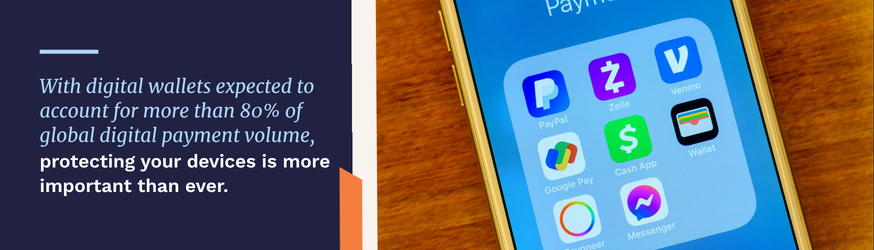
Digital wallets are increasingly popular these days for the convenience and security they provide over other payment methods, both online and in person. In fact, more than 60% of the world’s population will use a digital wallet this year, according to SQ Magazine, which represents more than 5.2 billion people and around 83% of the world’s digital payment volume. While digital wallets are more secure than cash and physical credit and debit cards, there are steps you can take to improve your financial security while utilizing the convenience that digital wallets provide.
A digital wallet is an app that stores the payment information from your physical payment methods, such as debit and credit cards, as well as loyalty and reward cards, on your smartphone or smartwatch. Digital wallets are so common these days that it’s likely your electronic devices already have one installed, such as Apple Pay (for iPhones), Google Pay (for Android devices), and Samsung Pay.
It’s easy to see why digital wallets are becoming more popular in Texas than cash and physical credit and debit cards. If your physical wallet was lost or stolen, someone could make quick use of your cards before you have time to close your accounts. Your cash would be gone forever. If someone hacked into a merchant’s payment system and stole your credit or debit card numbers, they could misuse that information to rack up some expensive charges.
When you make a payment with a digital wallet at your local H-E-B store, the merchant does not see your account numbers. Instead, your wallet will create a random bit of computer code known as a digital “token” that can only be used once, so the store can complete the transaction.
Another advantage to digital wallets is that you don’t have to worry about having enough cash or carrying the right cards at all times, as long as you have your phone or a smartwatch with a digital wallet that’s set up and ready to go. You can use it wherever you see a “tap to pay” terminal with a secure contactless payment option. Simply open your digital wallet, choose the card you’ll use to pay with, and tap your device to the payment symbol—just like you would with a contactless credit or debit card.
To use a digital wallet to pay for something online, just look for the right payment option, choose whichever digital wallet you happen to use, and follow the instructions. Many of our customers also use a digital wallet to send funds to friends and family members, either by tapping their devices together or through a text message.
Even the most secure payment system requires a bit of effort on your part to protect your accounts, just in case your phone or smartwatch is lost or stolen. The key to Apple Pay and Google Wallet safety is to make the most of the tools available, protect your digital devices, and to keep a careful eye on your accounts, just like you would with all your other transactions.
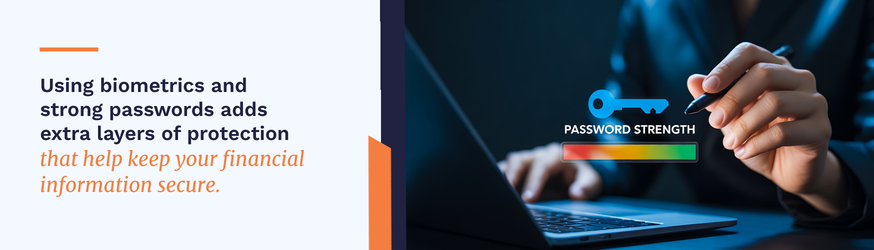
Every digital wallet has security settings that you can use to protect it from unauthorized use. Whether you choose a password, a PIN, or biometrics (face or fingerprint) is up to you. Just make sure that you set this up so that your digital wallet automatically relocks itself. You can improve your mobile payment security by locking your phone using a different security method from the one on your digital wallet, such as a different password or PIN. This offers two layers of security, which makes it difficult for someone to misuse your device.
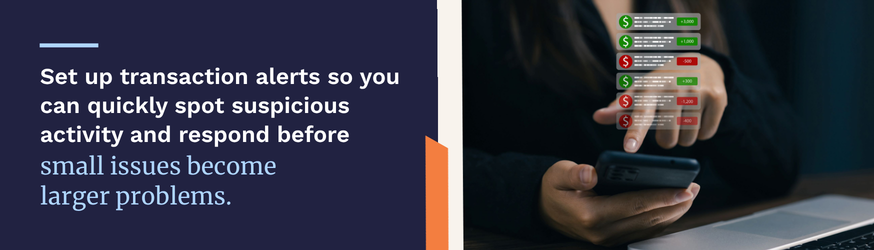
We recommend setting up transaction alerts for all your bank accounts, debit cards, and credit cards, whether you use a digital wallet or not. With MyCardRules, our free card management system, you can set up transaction alerts, card controls, and spending limits based on the dollar amount, type of transaction, or type of merchant, and receive alerts sent straight to your smartphone.
Free Wi-Fi is available in many places these days. While it may be convenient for browsing the Internet and reading the news, we don’t recommend using public Wi-Fi to send or receive any kind of sensitive information. This includes online transactions, accessing your financial accounts, and your email. Scammers can intercept Wi-Fi transmissions to steal people’s account information without their victims realizing it—and you can’t just assume that free Wi-Fi is secure.
With Apple and Google devices, you can set them up so that if they’re ever lost or stolen, you can find out where they’re located, remotely lock them, and wipe your data. This is a good practice for all your smart devices, regardless of whether you use a digital wallet.
To make the most efficient use of your digital wallet, were commend choosing a default payment method when you set up your wallet and sorting the cards in order of how often you’re likely to use them.
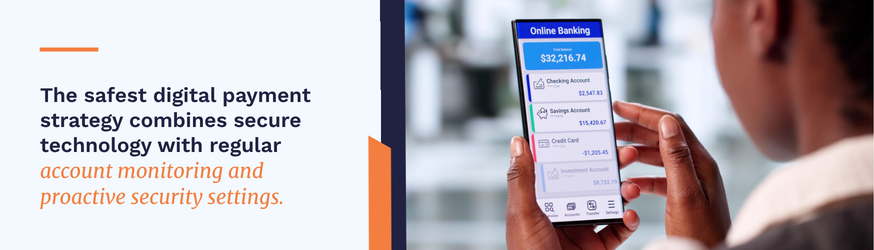
At Moody Bank, we make it easy to engage in digital banking while keeping your accounts secure. Our security tools include our own free banking app that you can use to check your account balances, review recent activities, transfer money between accounts, and locate our nearest bank branch or ATM. As mentioned above, you can also use the app to set up transaction limits and alerts and turn your Moody Bank debit card on and off as needed.
To get started with a digital wallet, open a Moody Bank checking account so you can enroll in online and mobile banking. If you’re already a customer, you can download our mobile banking app. If you need help, just contact us online or visit one of our many locations in Houston, Austin, Friendswood, Galveston, Lake Jackson, New Braunfels, Pasadena, Seabrook, Pearland, League City, Texas City, Sugar Land, and Dickinson.